
AI Agent/Handoff & testing
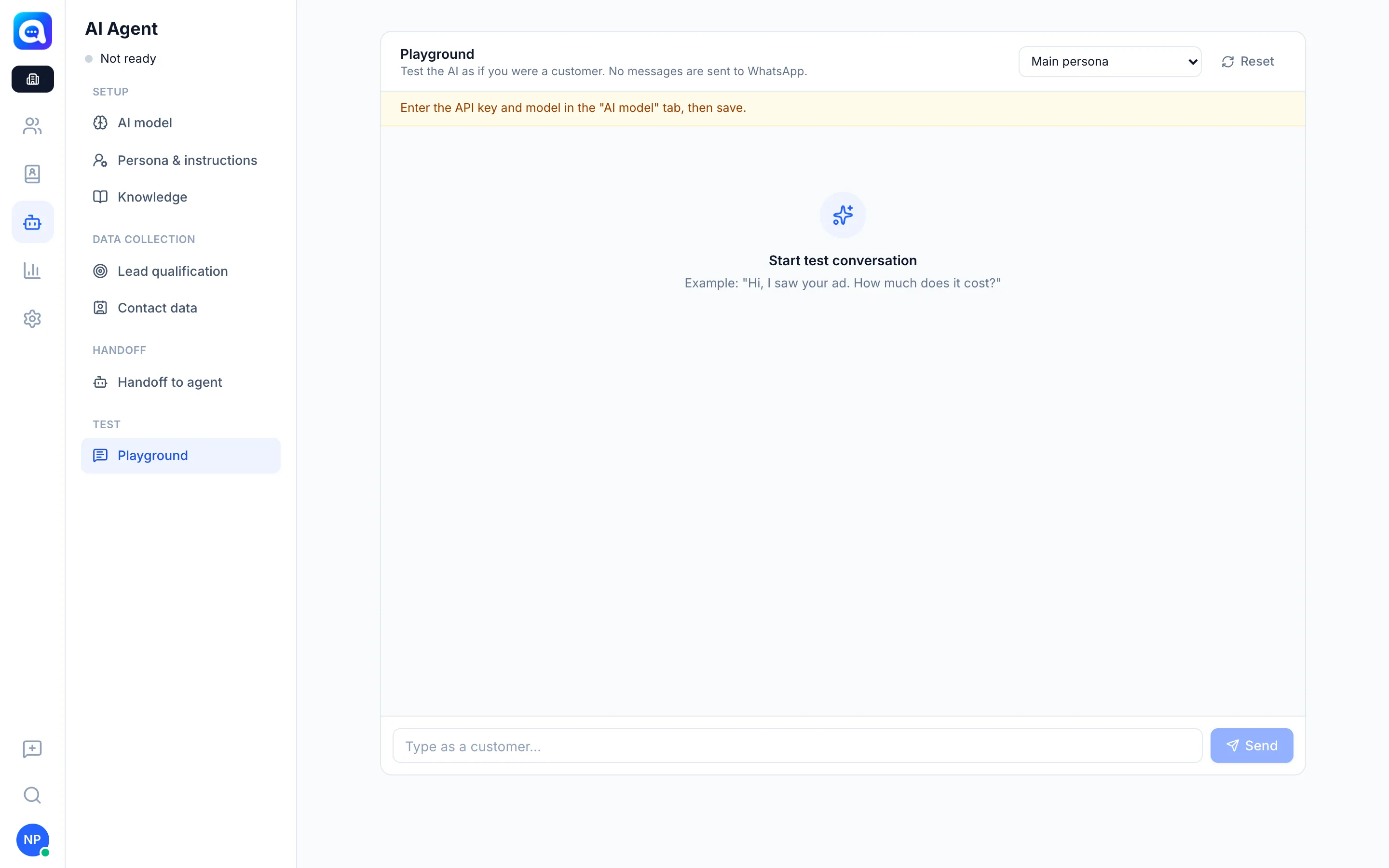
Playground
Test AI Agent as if you were a customer, without sending messages to WhatsApp, before using it for real.
The Playground is a testing space. You chat with the AI as a customer and see how it replies and what data it saves.
What it does
- Simulates a conversation using the AI settings that are already saved. No messages are sent to WhatsApp.
- Shows tool calls below the reply: for example the lead data saved and the lead class produced.
- Shows product photos and details when the AI sends a product from the catalog.
- Test the persona of a specific number: choose Main persona or the persona of a specific number to test each one's instructions.
- The Reset button starts the test conversation over.
If there are unsaved changes, the Playground still uses the saved settings, so click Save first.
Benefits
- Find wrong answers before customers see them.
- Make sure lead class and handoff work as expected.
- Safe: it does not affect real customer data.
Steps
- Save settings. Make sure changes in other tabs have been Saved. Also make sure the API key and model are filled in on the AI model tab.
- Open the Playground. Choose AI Agent → Playground.
- Choose a persona. Under Test the persona of a specific number, choose Main persona or another number.
- Start a conversation. Type as a customer, for example "Hi, do you have birthday cakes for 20 people?", then Send.
- Check the result. Look at the reply, the tools called, and the lead class. Also try questions outside the knowledge and handoff keywords.
- Repeat. Click Reset for a new scenario, change settings, then test again.
Tips
Tip
Test three scenarios: a suitable customer (should become class A or B), an unsuitable customer, and a customer with a complaint (should be handed off to an agent).