
Getting started/Start here
Start Here
A four-stage roadmap from signing up to having Kalea ready to serve customers.
This page is for those new to Kalea. Follow the four stages below in order; each step links to its full guide.
What it does
Kalea is a chat CRM: a shared inbox for WhatsApp (connected via QR scan) and the website chat widget, an AI Agent that replies 24 hours a day and qualifies leads (class A/B/C), a lead pipeline, contacts, blasts, workflows, analytics, team, and billing. This page arranges all of that into a clear working order.
Benefits
- Know exactly what to do first and what can wait.
- The time from sign-up to the AI replying to the first chat can be under an hour.
- Less risk of misconfiguration because the AI is tested before customers use it.
- The team is involved from the start, not after problems appear.
Steps
Stage 1 — Sign up & set up AI
- Create an account. Sign up with your company name, email, and phone number. See Sign up. 14-day trial, no credit card.
- Let the AI prepare the setup. Describe your business in the
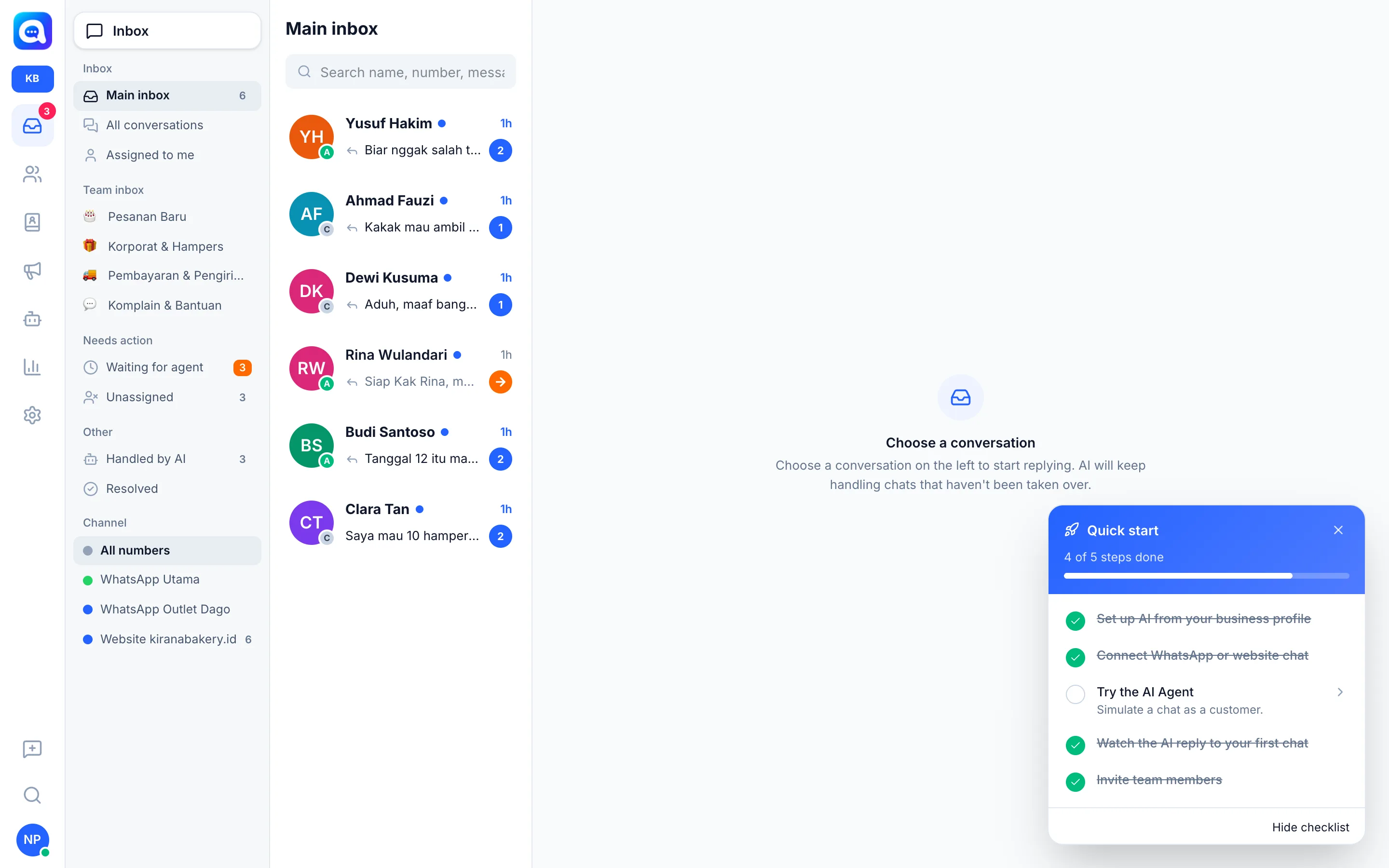
/welcomewizard, then review the result. See Automatic AI setup. - Track the checklist. The Quick start box marks your progress. See Quick start checklist.
Stage 2 — Connect channels
- Connect WhatsApp. Scan the QR in Settings → WhatsApp number. See Connect WhatsApp.
- Install the chat widget. Paste one line of code into your website via Settings → Chat widget. See Install the website widget.
Stage 3 — Set up the team & leads
- Invite your team. Add members and roles in Settings → Team & agents. See Invite your team.
- Check the pipeline and lead fields. Make sure the pipeline stages and qualification fields match how your team sells. See AI best practices.
Stage 4 — Go-live & implementation
- Check readiness. Run the Go-live checklist.
- Follow the phased plan. Follow the 30-day plan.
- See example configurations. Compare with Examples by industry.
- If you run into problems. Open Troubleshooting.
Tips
Tip
You don't need to finish everything in one day. Just get to the point where the AI replies to the first chat (Stages 1 and 2), then continue the rest step by step.