
Examples by Industry
Example Kalea configurations for online shops, education, real estate, beauty clinics, and F&B.
Use these examples as a starting point, then adjust them in AI Agent and Settings. The Automatic AI setup wizard drafts similar things based on the business type you choose.
What it does
Each industry has different lead data, pipeline stages, handoff triggers, and automations. Below are configuration suggestions you can copy. Field names and numbers are only examples.
Benefits
- Quickly decide which qualification fields are relevant.
- The pipeline reflects the real sales process.
- Handoff happens at the most valuable moments.
Steps
- Online shop. Fields: product of interest, quantity, destination city (Required), payment method. Pipeline: Lead, Contacted, Awaiting payment, Won. Handoff: complaints, returns, payment proof. Workflow: payment reminders, replies outside working hours.
- Education / courses. Fields: program of interest (Required), age or level, preferred schedule, residence. Pipeline: Lead, Consultation, Trial class, Enrollment. Handoff: trial schedule requests or fee negotiation. Workflow: trial class reminders.
- Real estate. Fields: unit type (Required), budget (Required), location, purchase plan. Pipeline: Lead, Contacted, Site survey, Negotiation, Won. Handoff: survey schedule agreed, complex mortgage questions. Routing: class A leads to the best salesperson.
- Clinic / beauty. Fields: treatment of interest (Required), brief complaint, preferred schedule. Pipeline: Lead, Consultation, Booking, Completed. Handoff: specific medical complaints, rescheduling. Note: the AI does not give medical advice; refer to a qualified professional.
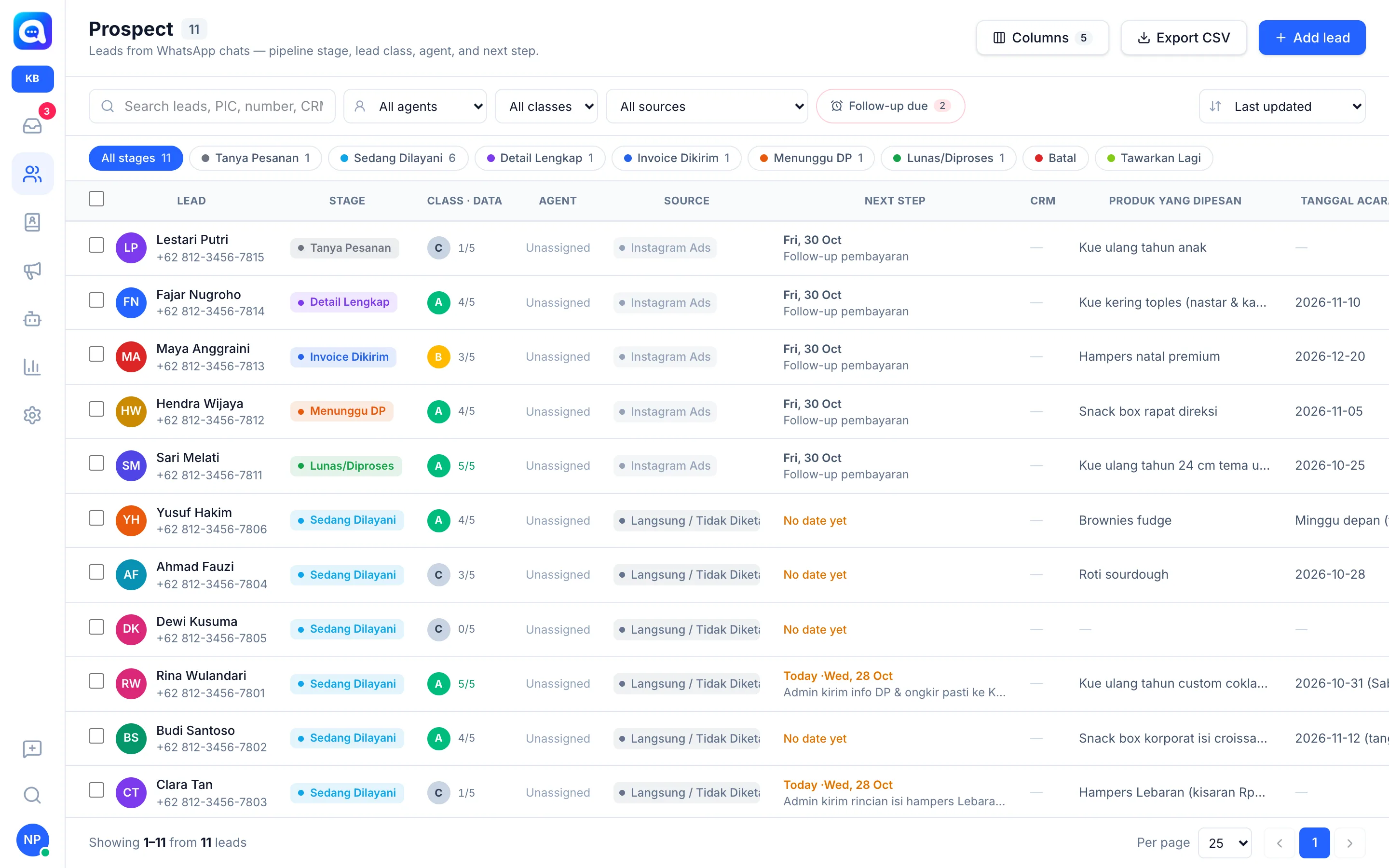
- F&B (Kirana Bakery example). Products: birthday cakes, cookies, hampers packages. Fields: product and quantity (Required), pickup or delivery date (Required), delivery area, text on the cake. Pipeline: Lead, Contacted, Order confirmation, Won. Handoff: custom orders, large quantities, complaints. Workflow: replies outside opening hours, plus the Quick replies
/pricelistand/rekening.
The number of pipeline stages in Kalea is fixed, but their labels can be adjusted to your industry in Settings → Pipeline; lead sources are managed in Settings → Lead source. The stage names in the examples above are only label illustrations.
Tips
Start with just 3 to 5 fields. You can add more after seeing real data in Analytics.