
Implementation/Plan
Go-live Checklist
A checklist to run before Kalea is opened to real customers.
Use this page right before you announce your WhatsApp number or widget to customers.
What it does
Makes sure all key components (AI, channels, team, and lead data) are ready, so the first customers get a good experience.
Benefits
- Avoid wrong AI answers or unanswered chats.
- The team knows its role from day one.
- Lead data is consistent from the start, so reports can be trusted.
Steps
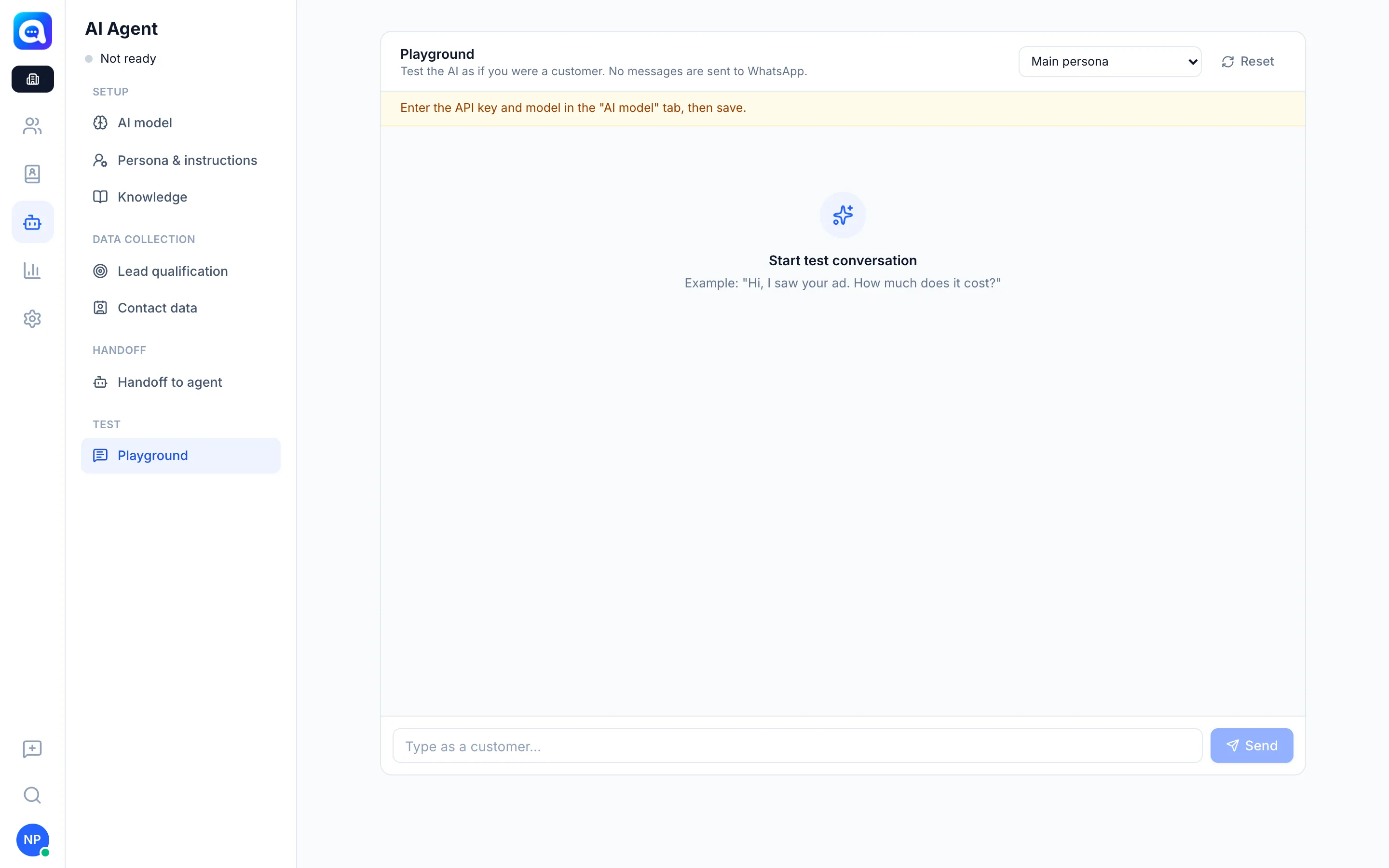
- Test the AI in Playground. In AI Agent → Playground, ask questions about price, stock, opening hours, complaints, and requests to speak to a person. Save any unsaved changes first because Playground uses the saved settings.
- Complete the knowledge. In AI Agent → Knowledge, make sure the FAQ, policies, how to order, and the Product catalog (prices) are correct.
- Check the handoff rules. In AI Agent → Handoff to agent, review the Handoff keywords, Message when handing off, and the lead score threshold.
- Set team roles. In Settings → Team & agents, make sure every member has the right role and number access.
- Review routing and team inboxes. In Settings → Routing and Team inbox, make sure chats handed off by the AI don't end up in "Unassigned" without an owner.
- Prepare Quick replies. In Settings → Quick reply, create codes such as
/rekening,/alamat,/pricelist. - Check working hours. If you need a different response outside working hours, set up a Workflow that uses the working hours branch (the time zone follows Settings → Regional).
- Make sure channels are active. The WhatsApp number shows Connected in Settings → WhatsApp number, and the widget code is installed and tested in Settings → Chat widget.
- Review required lead fields. In AI Agent → Lead qualification, make sure only 1 to 3 fields are marked Required; the rest are Booster.
- Check the subscription. In Settings → Billing, make sure AI credit or the plan is active so the AI doesn't stop suddenly.
Tips
Tip
Ask two colleagues who did not help build the setup to send questions to the business number. They will find gaps you can't see.