
Inbox/Team productivity
Quick Replies
Save frequently used text as short codes, then insert it into a chat by typing a slash.
Questions like "where is your outlet?" or "can I get a price list?" come up again and again. Quick replies make the answer just one code.
What it does
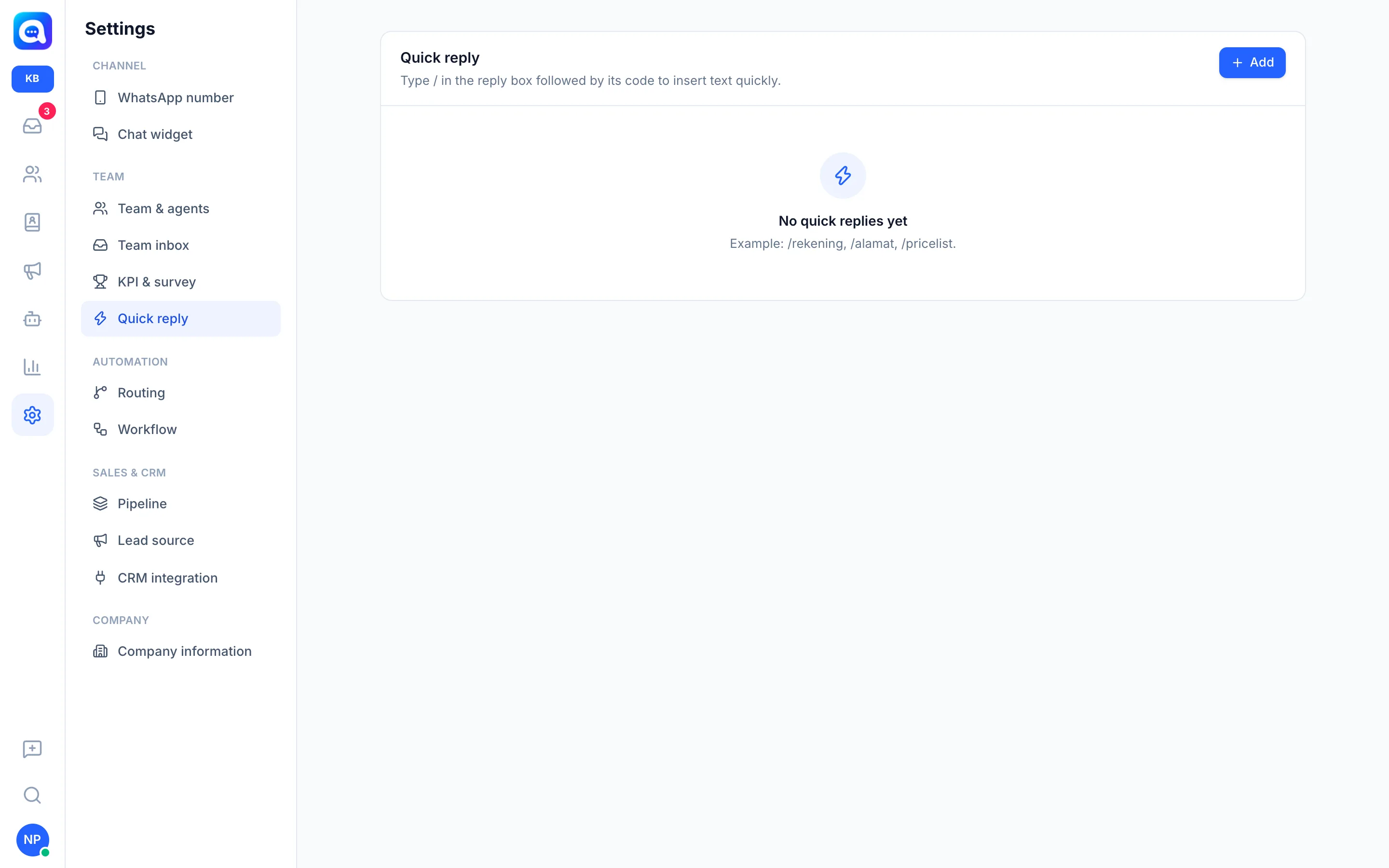
Each quick reply has a Code (e.g. alamat) and Content (the full text). In the reply box, type / followed by the code to insert the text.
Benefits
- Answer routine questions in seconds.
- Consistent answers across the whole team.
- Fewer typos in important info such as bank account numbers.
Steps
- Open settings. Choose Settings → Quick reply.
- Add a reply. Click Add. The New quick reply window opens.
- Enter the code. In Code, write a short word without the slash, e.g.
alamat. - Enter the text. In Content, write the full message, e.g. "Kirana Bakery outlet is open every day 08:00-20:00 in Bandung." Click Save.
- Use it in a chat. In the Inbox, on the Reply tab, type / and then the code. Choose from the Quick reply list that appears, or click the lightning icon below the message box.
- Edit or delete. In the list, click the pencil icon to edit or the trash icon to delete.
Tips
Tip
Use easy-to-remember codes like /rekening, /alamat, /pricelist. You can edit the text after it is inserted and before sending.